How To Videos
ビデオでExploratoryを学ぶことができます。
Product Features
Learn how to use Exploratory!
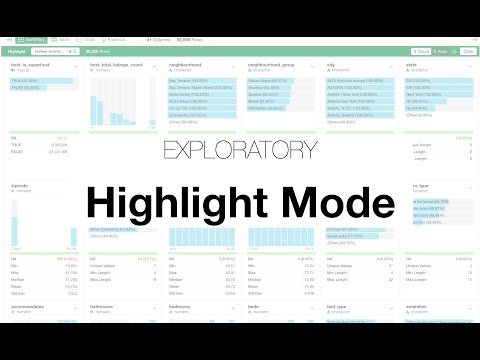
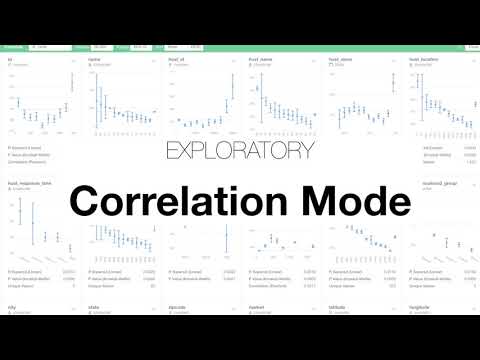
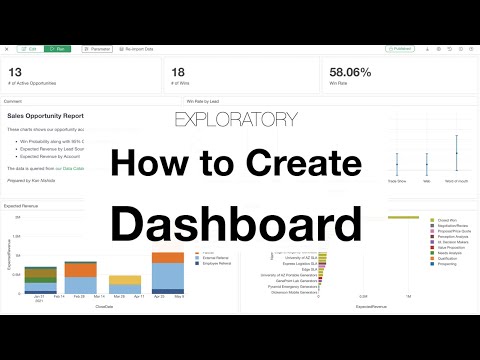
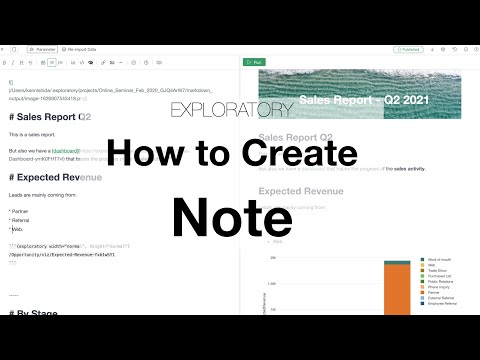
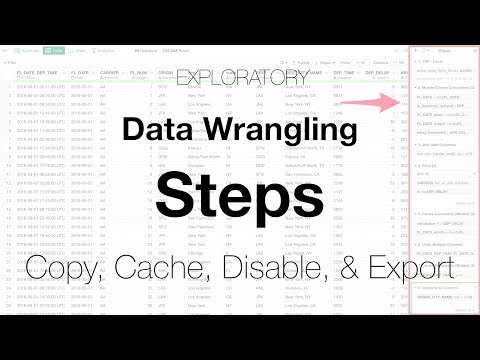
Walks you through 4 powerful features of the Data Wrangling Steps that would make your data wrangling life more productive.
Data Wrangling
Learn how to clean & transform data!
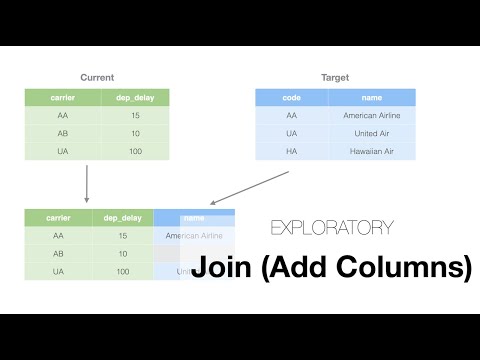
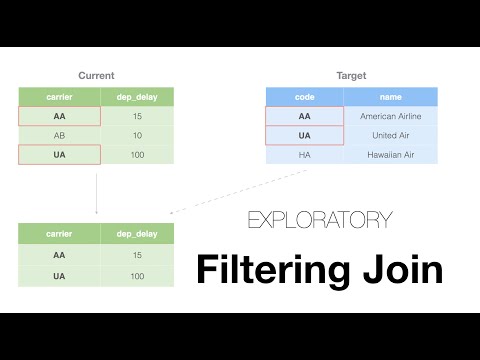
Shows you how to filter data based on another data frame by using Semi Join or Anti Join steps.
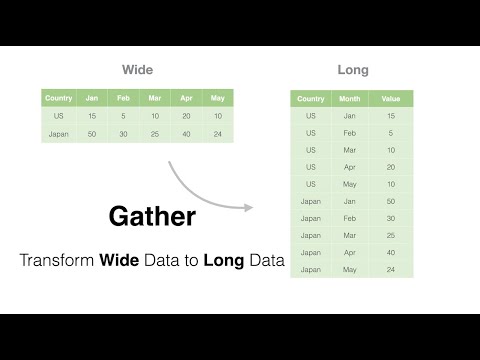
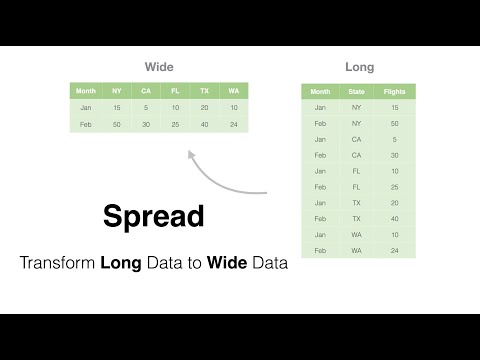
Shows you how to transform Long format data to Wide format data, and quickly run a correlation analysis in Exploratory


Shows you how to create conditions with various types of logical functions (operators) as calculations in Exploratory.
Shows you how you can manually set the order for the values of a given column and visualize the data with Chart view in Exploratory.
Shows you how you can assign values based on a set of conditions with the 'Conditional Value Assignment' UI in Exploratory.
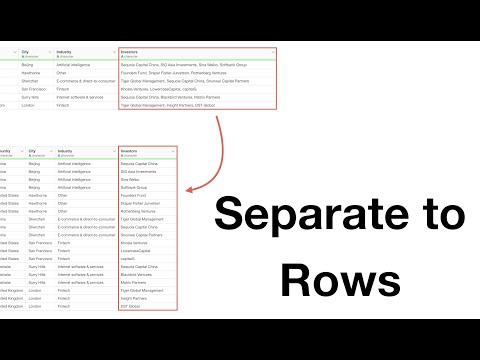
When you have multiple values in a single column you can quickly separate the column into multiple rows so that you can count the values easily. Here's a quick how-to video!
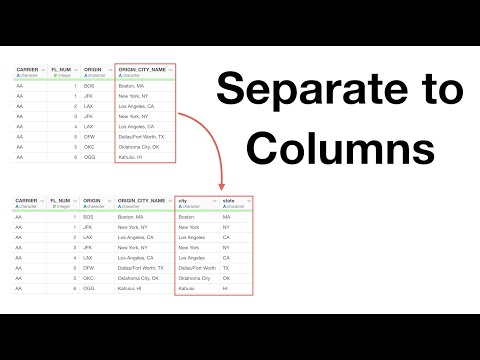
When you have multiple values such as Country Name and State Name in a single column, you might want to separate the column to two columns, one for the Country Name and another for the State Name. Here's a quick video on how to do it.
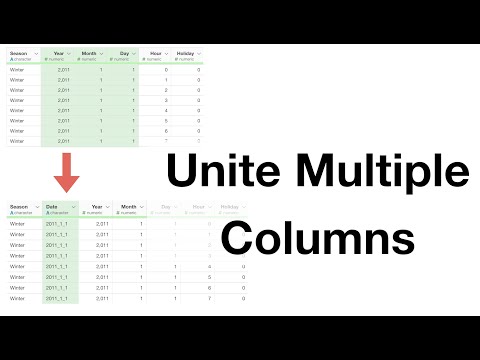
In this video, Kan shows how you can quickly unite (or concatenate) multiple columns with the Unite step in Exploratory.
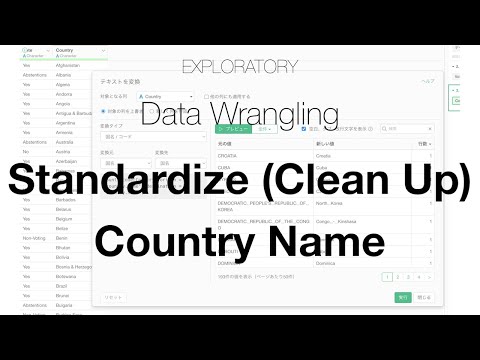
You can quickly standardize or clean up the country names with Convert UI, here's how!
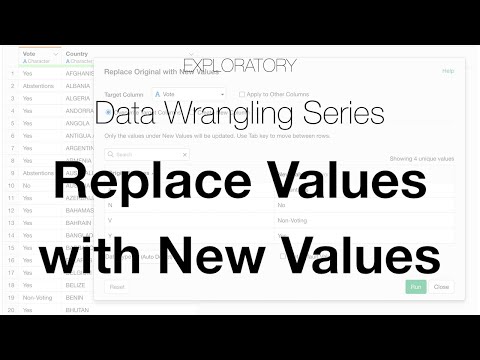
You can quickly replace existing values with new values with Replace Values UI in Exploratory. Here's how!
Chart
Learn how to use Chart features!
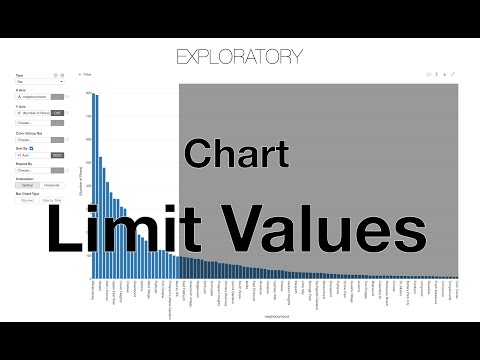
You can limit number of groups to show based on aggregated values, here's how!
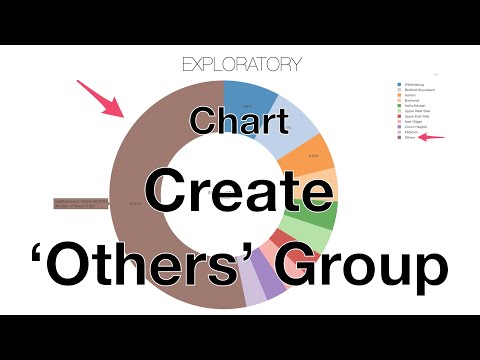
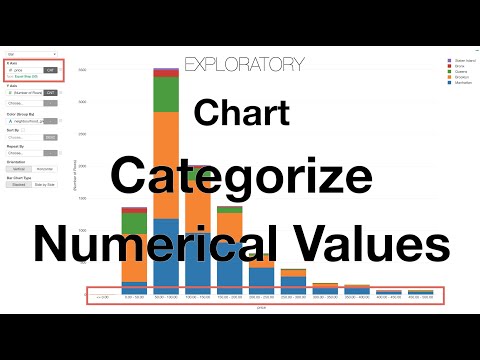
You can categorize numeric values by cutting or splitting into multiple groups, here's how!
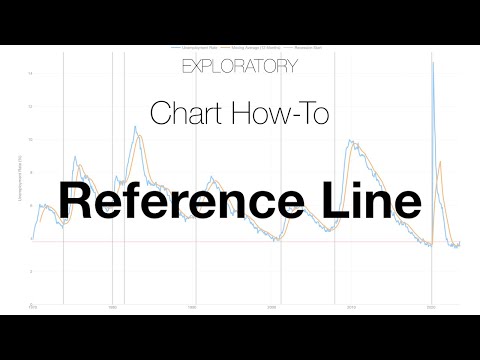
You can use Reference Line to give your audience more context to your charts, here's how!
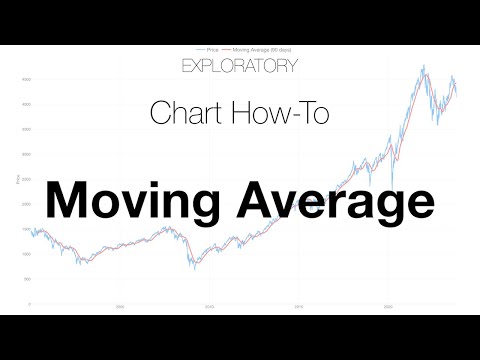
Yuo can show Moving Average to capture the overall trend by smoothing the movement of line chart, here's how!
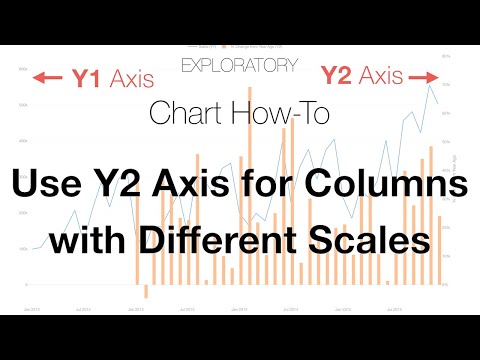
You can assign one of the Y-Axis columns to Y2 Axis to use a different scale, here's how!
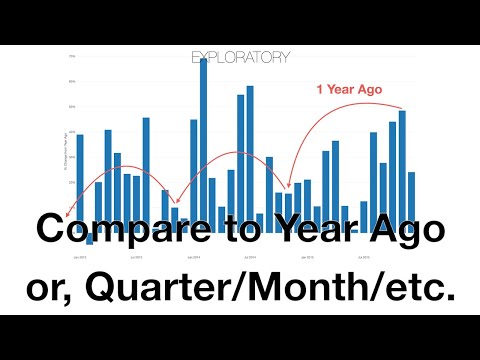
Want to report your business growth by comparing the latest numbers against a year ago or other periods ago? Here's how!
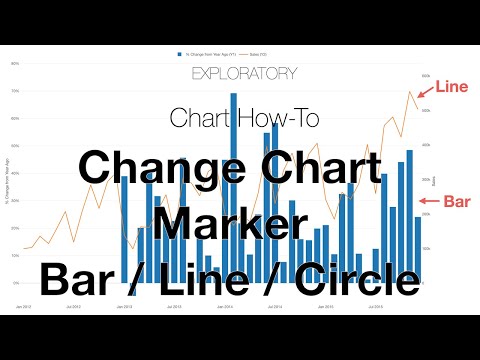
You can quickly switch the chart marker type between Bar, Line, and Circle, here's how!
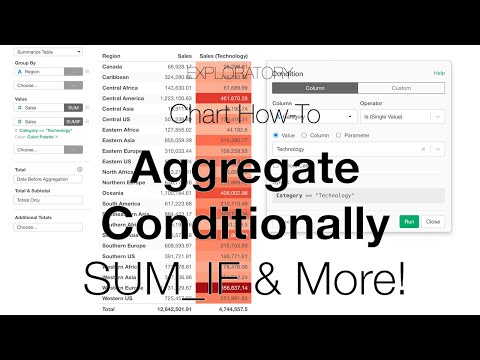
You can selectively aggregate values by using conditions, here's how!
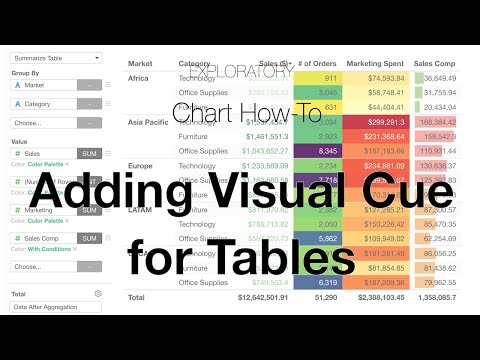
You can add visual cues by using color and bar for Pivot / Summarize Tables, here's how!
Seminar - How to Use Exploratory
Learn how to use Exploratory!

Walks you through how you can get started with Chart in Exploratory and use some of the key features to visualize your data effectively.
Walk you through how you can clean and transform your data flexibly with Exploratory.
Walk you through how you can start using Analytics features of Exploratory to analyze data by introducing the basic framework for finding correlation among variables and using prediction models to analyze such correlation further.

Walks you through how you can create Dashboards and Notes quickly with Exploratory. He also introduces how you can share Dashboards and Notes and schedule them at Exploratory Server.